Verification not working? What to do when your ID check fails
Stuck on identity verification? The most common reasons an ID check fails, how to fix each one, and what each verification result means.
Payday Fantasy · Product
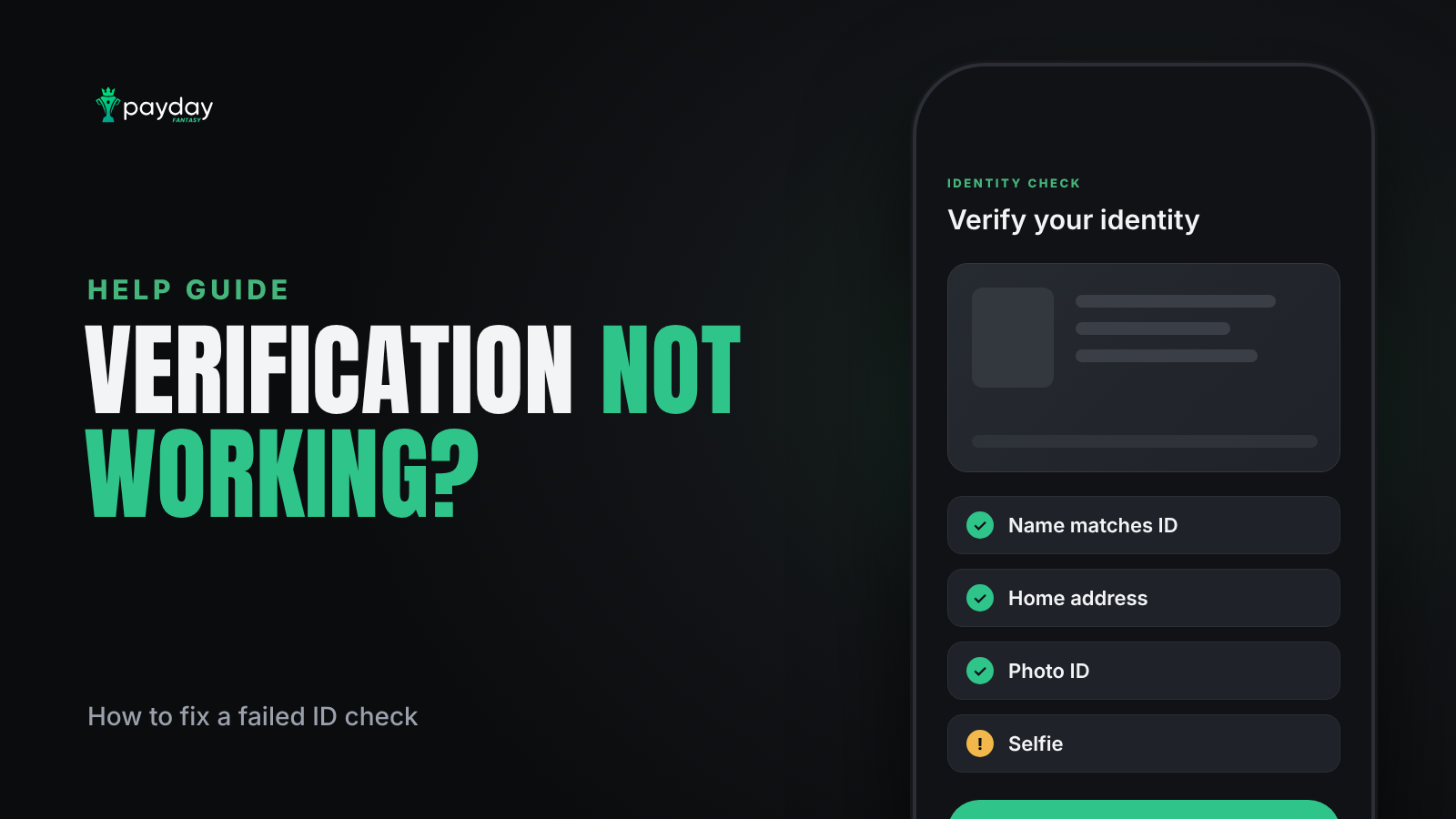
If your identity verification isn't going through, the cause is almost always a small mismatch: a name that doesn't match your ID exactly, a mailing address instead of a home address, or a photo with glare. Most issues can be fixed in a few minutes by correcting the detail and resubmitting.
Why Payday verifies your identity
Fantasy contests for real money are only open to adults in eligible states, so every player has to prove who they are before their first deposit. Payday uses Plaid, a third-party identity provider, to check a photo ID and a selfie. Verification is a separate step from making the deposit itself. More on why this matters in is Payday Fantasy legit?
What the verification steps are
- Choose your country.
- Enter your phone number and the 5-digit code sent by text.
- Enter your full legal name exactly as it appears on your ID.
- Enter your date of birth.
- Enter your residential address.
- Enter your Social Security number.
- Choose your ID type: driver's license, state ID, passport, residency permit or temporary visa.
- Take a photo of your ID.
- Take a selfie.
Common problems and how to fix them
My name doesn't match
Use your full legal name exactly as printed on your ID, including middle names if they appear there. Nicknames, shortened names or a recent name change that isn't on your ID yet will cause a mismatch.
My address was rejected
Enter the address where you live, not a P.O. box or a mailing-only address. Make sure it matches the format used on your records.
The text code never arrived
Check that the country you selected matches your phone number's country. Wait a minute, then request a new code. Codes can be delayed on poor signal or Wi-Fi calling.
My ID photo failed
- Lay the ID on a flat, dark surface in good light.
- Avoid glare from overhead lights or a flash.
- Fit all four corners in the frame and keep the text sharp.
- Use an ID that hasn't expired.
My selfie failed
Face the camera straight on in even light, remove sunglasses or hats, and make sure your face fills the frame.
What your result means
- Verified: you're done, and you'll go straight to your deposit.
- ID resubmission: something didn't read clearly. Retake the photo using the tips above.
- Under review: your details need a manual check by the team. You'll be notified when it's complete.
- Denied: verification couldn't be completed. For security reasons, the specific reasons aren't shared.
Verification vs location check
Identity verification confirms who you are. A separate location check confirms you are physically in an eligible state each time you play. If your ID is verified but you still can't enter a contest, the location check is the more likely cause. See the list of eligible states.
Still stuck?
If verification keeps failing after you've checked each detail, contact live support in the app. The step-by-step guide is also in the identity verification help article.